Turn your property's price reduction into a marketing campaign.
Automatically re-engage interested buyers with your price improvement announcement. Paste your listing ID to generate marketing across social, email, and print. Publish with two clicks.
What's in your campaign
What's in your Price Reduction campaign.
- Brokerage branded
- Your name, photo, and contact details
- Generated from your MLS listing
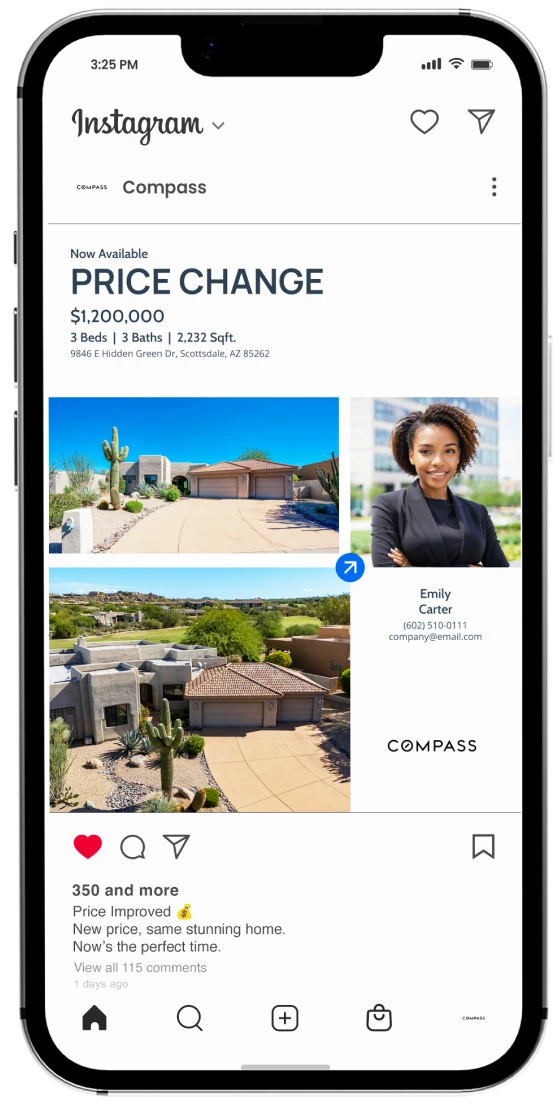
Social Media / Ready to post
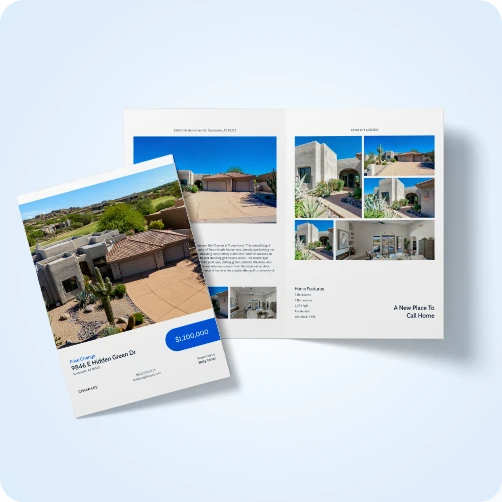
Brochure / Ready PDF
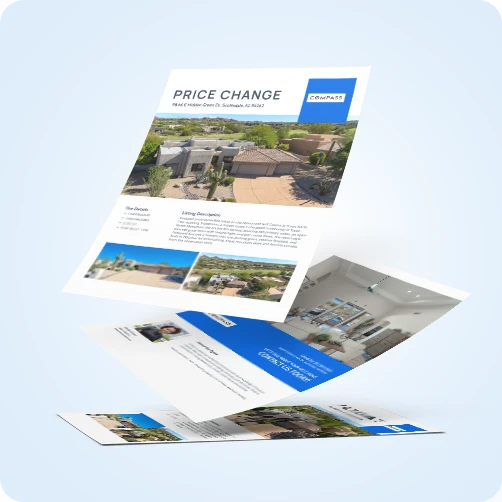
Flyer / Ready PDF
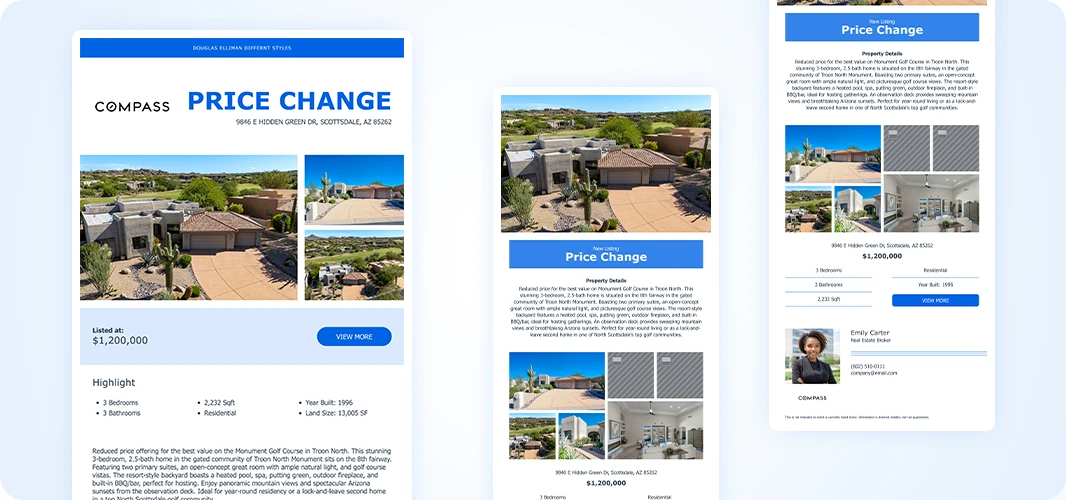
Email announcement / CRM ready HTML
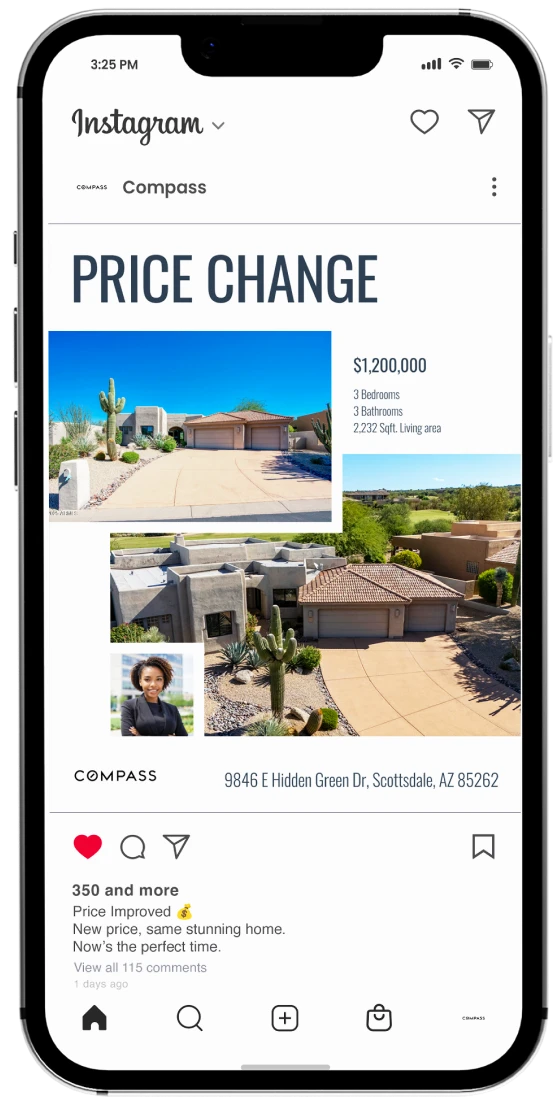
Social Media / Ready to post
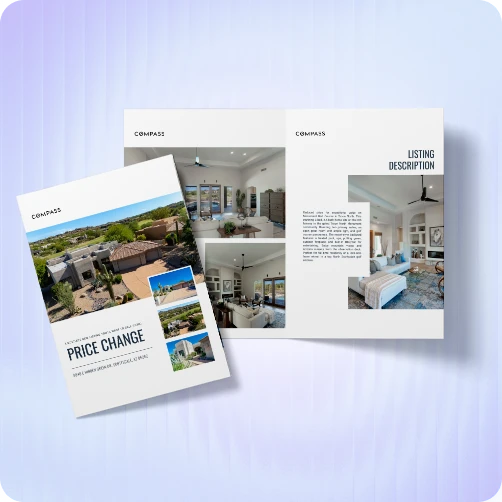
Brochure / Ready PDF
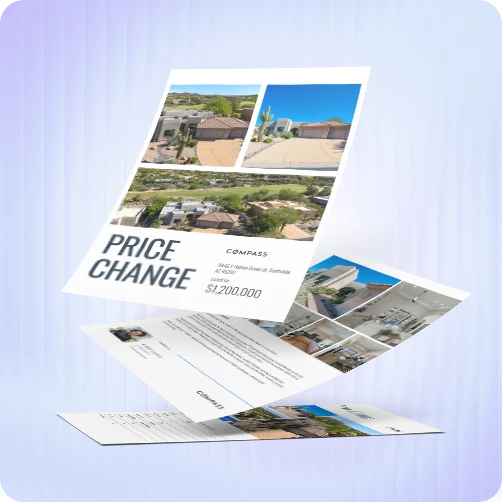
Flyer / Ready PDF
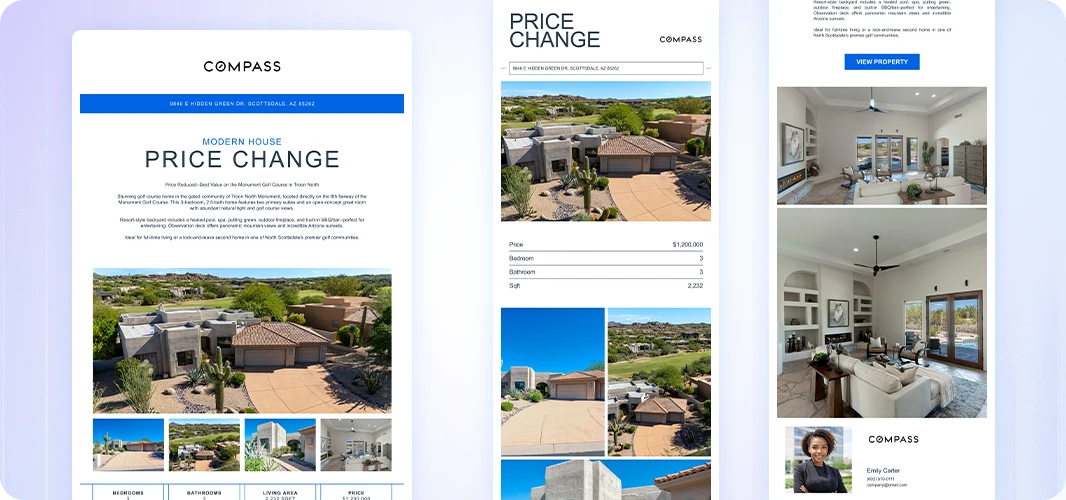
Email announcement / CRM ready HTML
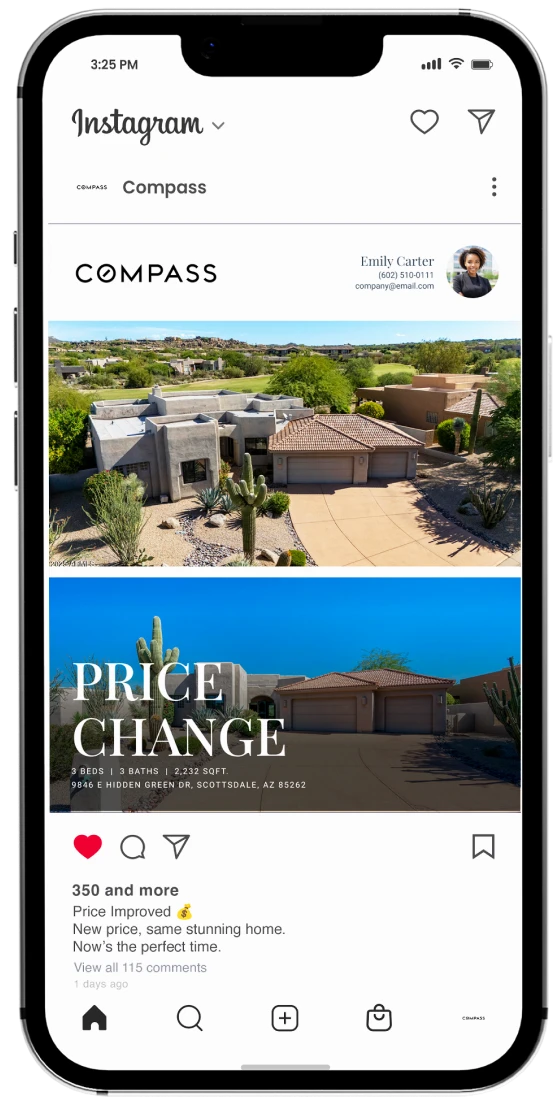
Social Media / Ready to post
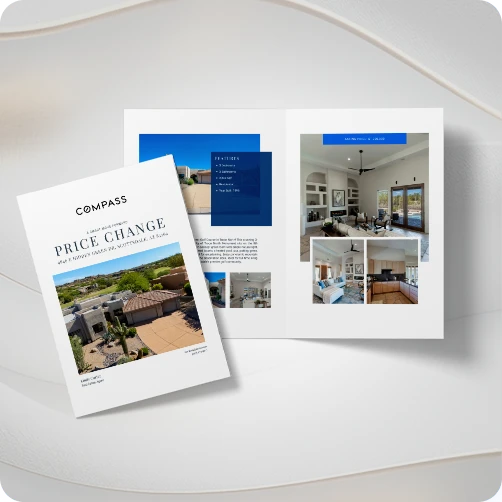
Brochure / Ready PDF
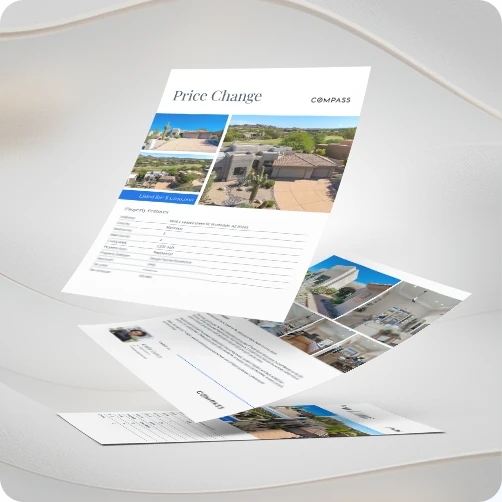
Flyer / Ready PDF
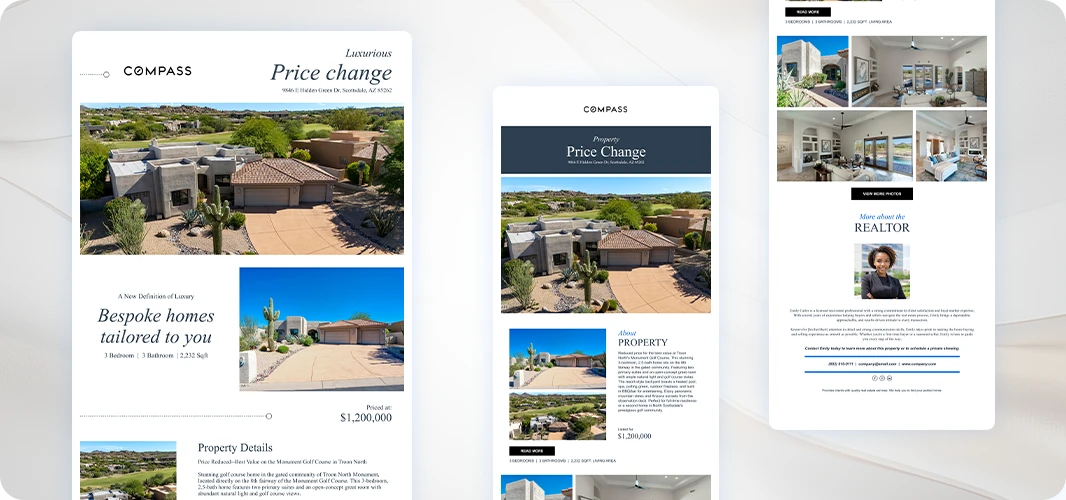
Email announcement / CRM ready HTML
Why use an automated Price Reduction campaign?
Your price reduction. Across every channel.

Social media posts
New price announcements with before and after pricing. Captions written to re-engage buyers who saw the listing and were waiting for a better price.
New price flyers
Print-ready files with the old and new price prominently displayed. Download and hand out at showings or ship directly to a target area.
Neighborhood postcards
Direct mail to the surrounding area announcing your updated price. Neighbors who know buyers at the new price point get the news first.
Email announcement
A branded HTML email for your sphere and the local agent network who previously showed the property. Paste directly into your CRM.
From price change to published campaign.
How it works
1
Update your listing and confirm the new price
Select your listing from the MLS after the price change is reflected and confirm your contact details.
2
Your price reduction campaign generates
Xara builds your social posts, a new price flyer, postcards, and an email announcement, all updated with your new price.
3
Get your new price in front of every buyer who was watching
Post across social media, email your sphere, and send postcards to the neighborhood the same day your price changes.
Questions
Price reduction marketing: common questions
What is a price reduction marketing campaign?
A price reduction marketing campaign is a set of ready-to-publish materials: social posts, a new price flyer, neighborhood postcards, and an email announcement, generated automatically when a listing price changes. It is built for real estate agents who need to re-engage buyers who passed at the original price. Xara generates it from your updated MLS listing automatically.
What should be included in a price reduction marketing campaign?
A complete price reduction marketing campaign should include social media posts showing the new price; a print-ready flyer with the old and new price displayed prominently; neighborhood postcards targeting the surrounding area; and an email announcement for the agent’s sphere and local agent network.
Timing matters: announce the same day the price change reflects in the MLS to capture the daily hot sheet cycle and reach agents with active buyers at the new price point.
When should you announce a price reduction?
Announce the same day the MLS is updated. Price changes appear on the MLS hot sheet that local agents review daily. Announcing immediately puts your listing in front of agents who have active buyers at the new price point. The longer you wait, the narrower the re-engagement window becomes.
How do you market a price reduction without it looking desperate?
Lead with the new price as an opportunity, not a correction. Use language like “new price,” “price improvement,” or “priced to sell” rather than “reduced” or “lowered.” Pair the announcement with a clear value statement and your knowledge of the local market.
A well-timed price improvement paired with a complete re-launch campaign consistently drives new showings from buyers who were watching but waiting for better pricing.
Is my MLS supported?
Xara works with the major MLS providers across the US. If your MLS isn’t in the dropdown, select “Other” and paste a listing URL directly and Xara will pull the data and build your campaign. This also works for off-market and commercial listings.
Can I use my own templates?
Yes. Every price reduction campaign comes with off-the-shelf templates in Classic, Modern, and Luxury styles, all branded automatically with your brokerage and agent details. Inside Xara, you can also import your own templates or use custom designs from the Xara template library.
What happens after I add my listing?
You’ll go through a short sign-up. Confirm your email, add your brand details, and verify your contact information. Once that’s done, your price reduction campaign is generated automatically inside Xara.