Photo & Graphic Designer+
Fast Photo Editing, Illustration & Graphic Design Software
Edit photos, create vector graphics and design professional marketing content with Xara Photo & Graphic Designer+ — powerful creative software for image editing, illustration and visual design.









PHOTO & GRAPHIC DESIGNER+
New V25.1
Faster workflows, built in AI-help, better font controls

Full editing control. Unlimited possibilities.
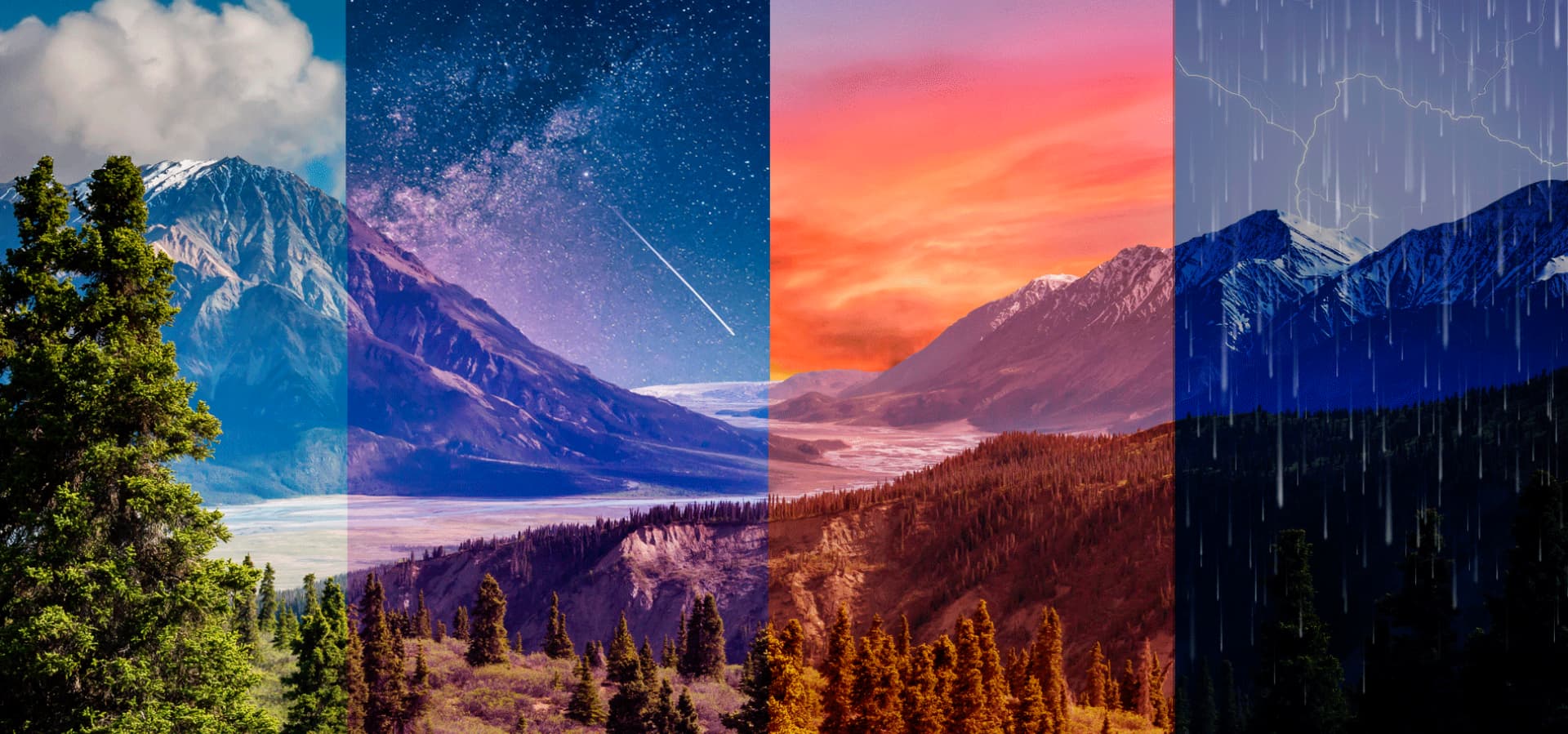
Manipulate, edit, and improve the look of your images consistently. Xara’s non-destructive editing lets you touch up your images as many times as you like maintaining quality at its highest. The Manipulation and Intelligent Scaling tools let you create graphics at any resolution, keep proportions, and erase unwanted objects.

The fastest vector editor. For show-stopping visuals.
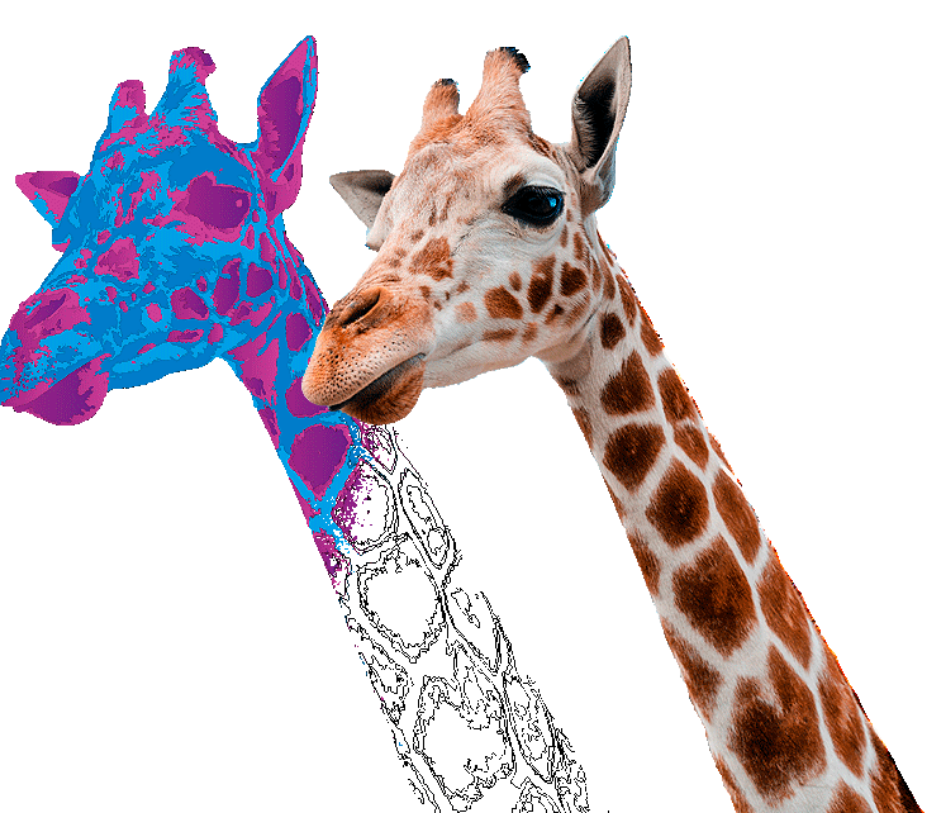
Switching between tools to edit images and layouts doesn’t cut it. Create flyers, printed material or social media content in one place with intuitive vector drawing, layout tools, and advanced text handling. Rendering complex graphics is made simple with vector masking, layer blending, feathering, and image tracing tools. You’ll surprise yourself with things you’ll create
I’ve been using Xara for a long time, and even though I’ve had access to PhotoShop and others, I keep coming back to Xara. It’s simple to use, and powerful. I’ve lost track of the ads, business cards, POS information, and material for Facebook and Instagram I have produced. I’ve surprised myself a few times with things I’ve created with Xara.
Steve O.
Marketing & Advertising
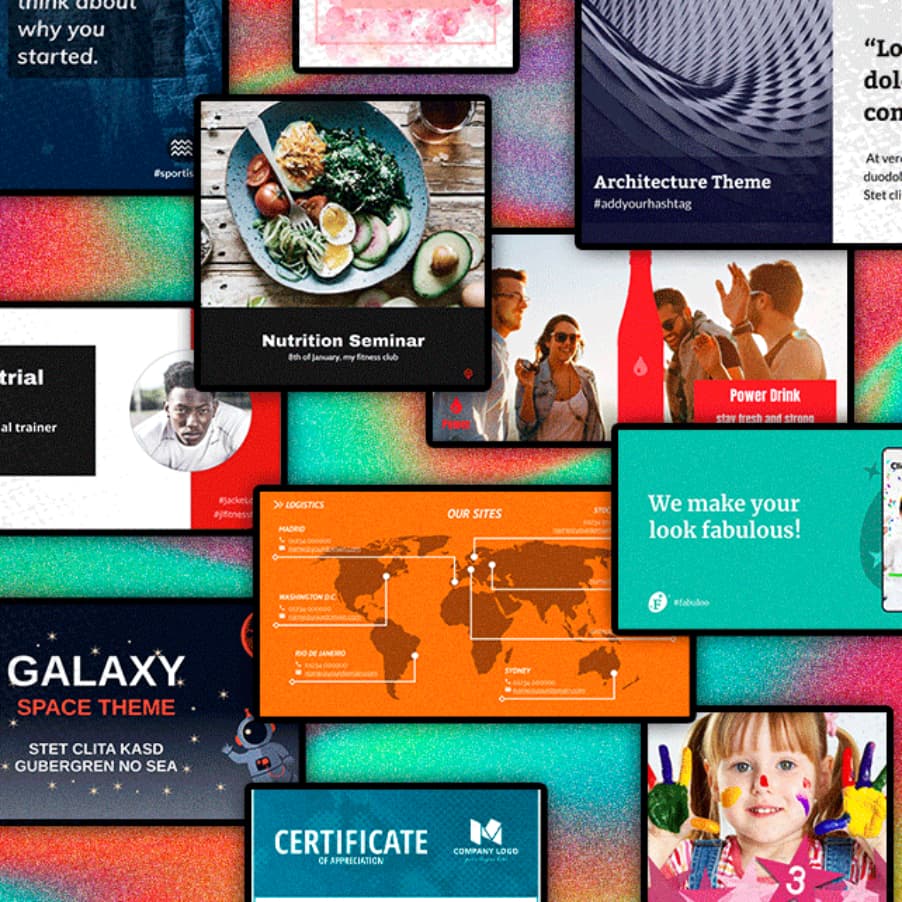
Extend your creativity with a template library.
The template and content library are fully customizable and provide inspiration to get started on any creative project. Along with templates, you’ll find easy-to-edit tables, text panels, photo grids, stock photos, and illustrations to deliver professionally designed results.
The results you imagined. In the right format.
Design is in the details and part of getting those details right is making it easy to work with other users programs, and easily get to your desired results. From common bitmap types (WebP, JPEG, PNG GIF, BMP, TIFF, PSD, and RAW photos) and key vector types (eg PDF and AI/EPS, SVG, and EMF/WMF) to importing and exporting Adobe Photoshop® PSD files including layer support. It’s all possible here.
Unlock your creativity. Fully control your results.
